
How to Automate Instagram DMs Without Getting Banned
SocialNest Team
July 8, 2026 · 8 min read
For a lot of creators, your Instagram DM folder is where the real action is. It's where you turn a casual follower into a true fan, where you hash out brand deals, and where you actually close sales. But as you grow, that DM folder becomes a mountain you just can't climb fast enough. You want to scale up your engagement, but that fear of the "Action Blocked" pop-up—or worse, a permanent ban—keeps you glued to your phone all day.
Automating your DMs isn't just about getting time back. It’s about giving your community an instant response. If someone asks for a link to your latest product or wants to know your coaching prices, making them wait six hours for you to reply is a great way to lose their interest completely. The whole key is to automate smartly, staying inside Meta's rules while still sounding like a human.
So, why does Instagram bring out the ban hammer?
Instagram is obsessed with keeping the platform feeling "authentic." They've got a seriously smart AI that's built to sniff out bot-like behavior. When you hear about people getting banned for automation, it usually comes down to a couple of major screw-ups:
They gave their login info to some sketchy third-party app. This is the biggest one. If a tool doesn't use an official integration and just scrapes your account or logs in for you, Instagram sees it as an unauthorized login. These apps often work way faster than any person could, which is an immediate red flag.
They acted spammy. Sending the exact same message to 500 people in ten minutes? Yeah, that's a quick way to get your account flagged. It doesn't matter if the tool is "safe"—the way you're using it isn't.
Another big one is using automation to cold DM people who don't follow you or haven't engaged with you. Instagram's algorithm sees that as straight-up harassment.
To stay safe, you absolutely have to use tools that are built on the official Messenger API for Instagram. It's the only way Meta has approved for automation, and it ensures your account stays in good standing.
The one rule you can't break
Look, the difference between a "bot" and "automation" is all about the API. Official partners, like the tools built into the SocialNest workspace, communicate directly with Meta's servers using their approved methods.
When you use an official tool, you're not trying to hack the system. You're just using features Meta literally built for businesses and creators. That's why they require you to have a Professional (Business or Creator) account and a linked Facebook Page. If a tool asks you for your actual Instagram password instead of using a "Login with Facebook" button, get out of there. Don't even think about it.
Pro Tip: Always check if a tool is an official Meta Business Partner. Using some unofficial "grey-hat" service might seem like it's working for a week, but you're risking a permanent ban that's almost impossible to come back from.
How to automate without looking like a robot
Good automation should just feel like a helpful extension of you and your brand. These are the best ways to use DM automation without getting your account into trouble.
Triggering with a "keyword"
This is hands down the safest and most effective strategy. You've seen creators do it. They'll say something like, "Comment 'GUIDE' on this post, and I’ll DM you the link."
When someone comments with that keyword, your automation sends them the DM. Because the user started the interaction first, Instagram sees it as a high-quality engagement. It's a win-win—it boosts your post because of all the comments, and your follower gets what they asked for instantly.
Replying to Story interactions
Instagram Stories disappear fast. If someone reacts to your story with an emoji or asks a quick question, an automated reply like, "Thanks so much for watching! You can see the full video here," can keep that momentum going while the topic is still fresh in their mind.
The "welcome" message
When you get a new follower, a simple welcome message can be a nice touch. But you have to be careful with this one. Don't—and I can't stress this enough—don't send a sales link in the very first message. That's so tacky. Instead, ask a question to get a conversation going. "Hey, thanks for the follow! Are you a fellow creator or just looking for some style inspiration?" This encourages a reply, which is another great signal to Instagram's algorithm.
What about the DMs that really matter?
Automation is perfect for handling all the repetitive, low-level questions. But the high-value conversations—like that perfect brand deal inquiry—still need your personal attention. This is where having everything in one place becomes a necessity.
A unified inbox lets you see at a glance which messages were handled by your automation and which ones are flagged for you to answer personally.
| Feature | Just You | Shady Bots | Official Automation (SocialNest) |
|---|---|---|---|
| Safety | 100% Safe | High Risk of Ban | 100% Safe (Official API) |
| Speed | Slow (could be hours or days) | Instant | Instant |
| Scalability | You can't clone yourself | High | High |
| Authenticity | High | Low (sounds robotic) | High (you write the replies) |
| Cost | Free (but your time isn't) | Cheap | Part of a Creator Workspace |
Please don't sound like a bot
The biggest amateur move is making your automation sound like a robot wrote it. To avoid this, you need to use "Randomized Variations." Instead of having just one "Hello!" greeting, you create five different versions. A good automation tool will rotate through them so you aren't sending the exact same text over and over again.
And always give your followers an out. If they're in an automated flow, give them an option like "click here to talk to a human." This stops people from getting frustrated and trapped in a loop when they have a more complex question.
Okay, let's talk about making money with this
For any creator selling digital products, coaching, or merch, DM automation is a machine that prints money. By connecting your DMs to your storefront, you can guide a follower from a simple question to a completed sale without them ever leaving the Instagram app.
It can look something like this:
- Follower: "How do you edit your photos?"
- Auto-Reply: "So glad you like them! I use my 'Signature Preset Pack.' Want a 10% discount code for it?"
- Follower: "Yes please!"
- Auto-Reply: "Awesome! Use code CREATOR10 at checkout right here: [Link to your Storefront]"
That entire conversation happens instantly, 24/7, even while you’re sleeping or out filming your next video.
Are you annoying people? Check your stats.
You can't fix what you don't measure. Using automation safely means keeping a close eye on your analytics. If you suddenly see a high "block" rate or notice people are reporting your messages as spam, you need to change your automated replies right away.
Instagram actually monitors the "Sentiment" of your DMs. If users are replying positively and engaging with your automated messages, your account's health improves. But if they're ignoring or blocking you, your reach will eventually take a hit.
Warning: Never, ever automate the first message you send to a brand. Reaching out about brand deals should always be personal. Use a proper media kit and personalized AI outreach tools that can actually do research on the brand before you email them.
How we handle this at SocialNest
We built our AutoNest feature to solve this exact problem of wanting to engage more without risking our accounts. Our system is built on the official Meta API, which means your account is never, ever at risk of being banned for using it.
Setting up a safe workflow is pretty straightforward:
- Step 1: Connect your Instagram Professional account to SocialNest.
- Step 2: Choose your triggers—like keywords in comments, mentions in Stories, or new followers.
- Step 3: Write your replies using our templates designed to sound human.
- Step 4: Set limits on how many messages can be sent per hour so it always feels natural.
- Step 5: Keep an eye on how everything's performing right from your dashboard.
By letting AutoNest handle all the repetitive "Where did you get that?" and "link please!" messages, you get hours back every week to focus on what actually matters—creating better content and growing your business.
Automating your Instagram DMs doesn't have to be a scary gamble. The goal isn't to be less present for your community—it's to be more available. When you do it right, your followers won't feel like they're talking to a bot. They'll feel like they're getting the instant attention they deserve from their favorite creator!
Start free with SocialNest today and see what it's like to manage your entire creator business in one place.
Ready to simplify your creator workflow?
Plan, post, and grow across every platform — all in one place.
Start freeRelated articles
How to Track Brand Deals Without a Spreadsheet
Managing a growing creator business is a dream until the administrative nightmare of brand deals sets in. In the beginning, a simple spreadsheet feels like enough. You track a few names, dates, and…
How to Repost TikTok Videos to Instagram (and Every Other Platform) in 2026
The creator economy in 2026 is no longer about being "everywhere" through manual labor; it is about being everywhere through strategic distribution. If you are spending hours filming a high-quality…
How to Make a Media Kit as a Content Creator (Free Template)
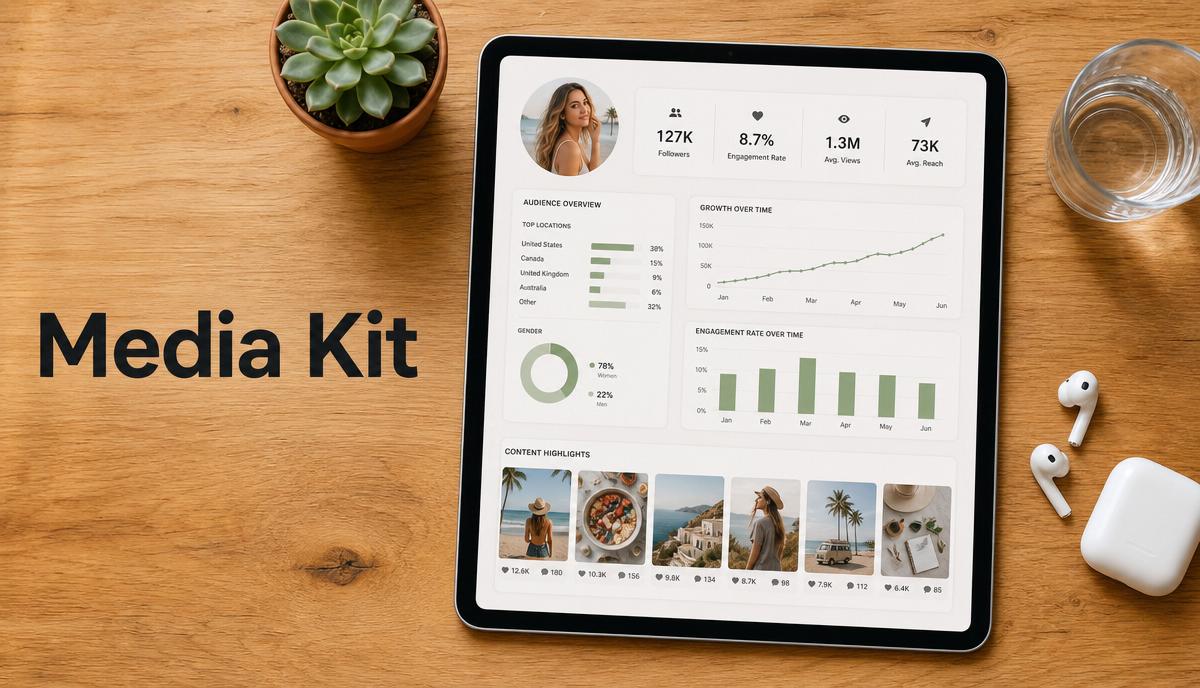
In the creator economy, your media kit is your professional resume, your portfolio, and your sales pitch rolled into one document. As brands shift their budgets from traditional advertising toward…