
How to Repost TikTok Videos to Instagram (and Every Other Platform) in 2026
SocialNest Team
July 8, 2026 · 10 min read
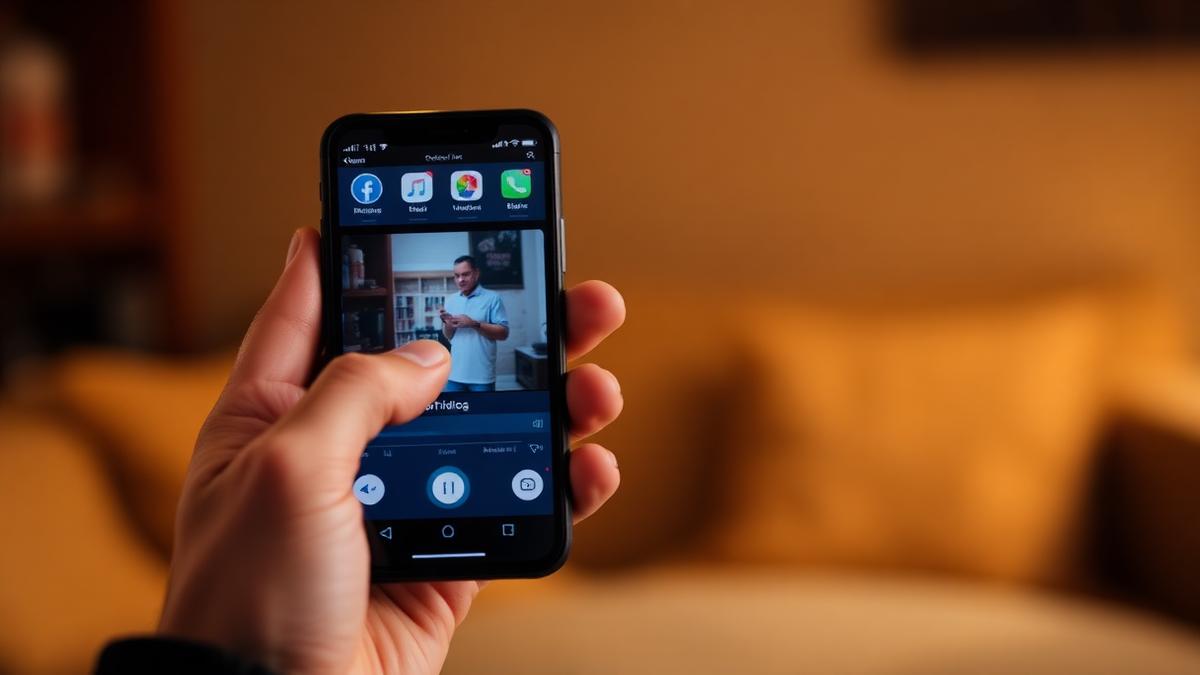
I feel like a broken record saying this, but if you're putting all this effort into a great TikTok in 2026 and only posting it on TikTok, you’re basically throwing away most of your potential views. For real. It's like 70% of your reach, just poof, gone.
Instagram Reels, YouTube Shorts, and all the others have algorithms that are just dying to get your videos. But the old way of doing things—you know, downloading your video with that ugly watermark and just yeeting it onto another app—is completely done. Platforms got smart. They intentionally bury watermarked content, and your audience can tell when you're being lazy and didn't even write a fresh caption.
So let's go over how to actually spread your TikToks everywhere without the algorithm gods smiting you and without it looking like garbage.
You can't just live on one platform anymore
The whole social media world is just so scattered. TikTok is still a huge deal, of course. But Instagram Reels is where you get noticed for brand deals, and YouTube Shorts is honestly the king for long-term discovery. Your old videos can keep pulling in views there for years.
When you post your videos everywhere, you're pretty much buying insurance against one platform's algorithm deciding to hate you for the week. And if a video totally bombs on TikTok, it might go massively viral on Reels. You're also hitting different pockets of people. The person scrolling TikTok at 2 AM is not the same person looking at LinkedIn video on their lunch break.
Look, you already did the hardest part. You thought of the idea, filmed it, and edited it — that’s 90% of the work. Reposting is just the last 10% that gets you like, five times the results.
That TikTok watermark has gotta go
This is the number one biggest mistake I see. Saving a video from TikTok and uploading it directly to Instagram. Meta and Google have both pretty much flat-out said their systems see that TikTok logo and will just tank your video’s reach.
You have to start with a "clean" file. You've got a couple of ways to do this.
1. The slow, painful method
You can use one of those sketchy "TikTok Downloader" websites. You know the ones. You paste the link, hit download, and just cross your fingers that it spits out a watermark-free MP4. This is maybe okay if you're doing this once a month for fun, but if you're a serious creator, it's such a massive waste of time. You’re downloading random files, trying to Airdrop them to your phone, retyping all your captions... it's a disaster.
2. The way that actually makes sense
You use a content repurposing tool like SocialNest that hooks into your TikTok account. So when you post to TikTok, it automatically snags the original high-resolution video before TikTok slaps the watermark on it. Then it has that clean file ready to zap over to Instagram, YouTube, X, or wherever else you need it to go.
Pro Tip
Always — and I mean ALWAYS — record your video in your phone's default camera app (or a pro app, like Blackmagic Cam) *before* you even open TikTok. That way you have the true master file. It's the highest quality you're ever going to get, and you'll always have it if some app's API breaks or an account gets locked.Every platform is its own weird little world
You just can't dump the exact same post everywhere and call it a day. The video file itself can be the same, but your caption, hashtags, and tags all need to be adjusted for where you're posting.
| Platform | Best Length | What to Do with the Caption | Hashtag Advice | What it's good for |
|---|---|---|---|---|
| Instagram Reels | 15–90 Sec | Short, direct. "Link in Bio" is fine. | 3–5 super specific tags | You can use collab tags to co-post with other creators. |
| YouTube Shorts | < 60 Sec | Treat the title like a Google search term (SEO matters!). | 2–3 in the video description | You can directly link to a longer related video on your channel. |
| Facebook Reels | 30–60 Sec | People actually read longer captions here. Tell a little story. | 2–4 broad tags | Your mom's friends are way more likely to share it. |
| 30–120 Sec | Explain what professionals can learn from this. Give context. | 3 tags for your industry | The B2B reach is unreal. | |
| X (Twitter) | < 140 Sec | Make it a conversation starter, maybe a little controversial. | 1–2 trending tags | You can pin it to a longer thread. |
Okay, so about Instagram Reels specifically
This is the most common place everyone wants to repost. But to make sure your Reel actually performs as well as your TikTok did, you can't just upload and forget it.
1. Play the audio game
The Instagram algorithm really, really likes it when you use "Trending Audio" from its own library. So even if the sound is already in the video you made, you're usually better off uploading a silent version of your video to Reels. Then, just use the music sticker in Instagram to add the exact same trending song. It feels like an extra step, but it's what gets your video to show up on that song's discovery page, and that can bring in a flood of new viewers.
2. Mind the "safe zones"
This is one of those tiny details that makes a huge difference in how professional you look. The buttons and on-screen text on TikTok and Instagram are in slightly different spots. On TikTok, the description is lower down than on Reels. If you bake text into your video, you need to make sure it's more or less in the center so the Instagram "Like" button or YouTube's "Subscribe" button doesn't end up covering your punchline.
3. All your comments, one place
Once you're actually posting everywhere, the comments will start coming in from all sides. Trying to keep up with DMs and replies across five separate apps is the fastest way to burn out. A unified inbox tool just pulls all your comments from Instagram, TikTok, and everywhere else into a single feed. This isn't just for convenience—you never know when a comment could be from a potential brand partner.
Where else should I be posting this stuff?
In 2026, you can't stop with Instagram. If you really want to put some impressive stats on your media kit for those big brand sponsorships, you have to be looking at these other platforms too.
YouTube Shorts
Honestly, Shorts might be the most underrated growth machine for creators right now. A TikTok video's lifespan is maybe 48 hours, tops. But Shorts are indexed by Google Search. That video you made about "Best Budget Cameras" might die on TikTok, but it could get thousands of views every single month on YouTube for years to come.
LinkedIn Video
If any of your content is even remotely educational or related to your profession, LinkedIn is a freaking goldmine. Their "creator mode" has turned it into a real video platform. The amount of money you can make from a brand deal on LinkedIn is often way higher than on TikTok, just because you're reaching a totally different audience of professionals.
Your Own Dang Storefront
Stop posting for likes and start posting for sales. If your video is about a product (even just one you're recommending), you have to make sure you're linking to your storefront in the caption on every single platform you post it on. You have to make it dead simple for someone to go from watching your video to buying the thing.
Let's automate the grunt work with SocialNest
Your time is the most valuable thing you have. If you're spending three hours a week manually downloading and re-uploading videos across five platforms, you're lighting over 150 hours a year on fire. That’s nearly a month of full-time work you're just spending on admin.
A tool like SocialNest is built to be your command center. Instead of total chaos, your whole process turns into this:
- Draft once: You plan your post in the SocialNest dashboard. Just one time.
- Tweak for every channel: The AI assistant can help you twist your funny TikTok caption into a more "professional" LinkedIn post or an SEO-friendly YouTube description.
- Schedule it and walk away: You can have your TikTok go live at 6 PM when everyone's online, and then have the Instagram Reel drop automatically the next morning at 8 AM.
- See all your numbers in one spot: Instead of clicking through five different analytics pages, you can just check your unified analytics and see which channel is actually driving the best results for you.
Warning
Whatever you do, don't "ghost post." That's when you automate all your posting but then never actually show up to reply to a single comment. If you automate your reposting, you *have* to use a unified inbox to engage with your community. The algorithms can tell when you're not engaging, and they will stop showing people your videos.The music copyright nightmare
One of the biggest headaches in 2026 is that music licenses are a total mess. A song that's perfectly fine to use on a TikTok might get your video muted—or even taken down—on Instagram if you're making a sponsored post for a brand.
If you work with brands, just use royalty-free music or create original audio. Period. It's the only way to be 100% sure your branded video won't have problems when you repost it. When you use something like SocialNest's AI outreach to find brand deals, the very first thing brands check for is if your content is safe and free of legal issues.
Okay, but what's next?
By 2026, we're really starting to see decentralized platforms like Farcaster and Lens Protocol get popular. They're different because you actually "own" your audience there. So when you repost your TikToks to those places, you're building a following that a single company can't just decide to take away from you.
But the playbook is still exactly the same.
- A high-quality video file with no watermark.
- A caption that actually fits the platform's vibe.
- A consistent schedule.
- And managing that whole mess from one central place.
Reposting your TikTok videos isn't optional anymore—it’s just what professional creators have to do now. The goal is to build a system where your content works for you, not the other way around. Once you have a way to strip watermarks, optimize for each app, and use one dashboard to manage everything, you can get 10x the reach without doing 10x the work.
Stop acting like your own overworked social media intern and start acting like the CEO of your own media business.
Ready to grow your reach without the burnout? Start free with SocialNest and get your content everywhere in seconds.
Ready to simplify your creator workflow?
Plan, post, and grow across every platform — all in one place.
Start freeRelated articles

How to Track Brand Deals Without a Spreadsheet
Managing a growing creator business is a dream until the administrative nightmare of brand deals sets in. In the beginning, a simple spreadsheet feels like enough. You track a few names, dates, and…
How to Automate Instagram DMs Without Getting Banned
For many creators, the Instagram Direct Message (DM) folder is where the magic happens. It’s where casual followers turn into loyal fans, where brand deals are negotiated, and where sales are closed.…
How to Make a Media Kit as a Content Creator (Free Template)
In the creator economy, your media kit is your professional resume, your portfolio, and your sales pitch rolled into one document. As brands shift their budgets from traditional advertising toward…